12 Best Real Estate Flyer Templates Free for 2025
In today's competitive market, a professionally designed flyer can be the difference between a property that lingers and one that sells fast. While custom design work can be costly and time-consuming, a wealth of high-quality, free templates are available to help agents create stunning marketing materials in minutes. This guide cuts through the noise to bring you the best sources for real estate flyer templates free of charge, saving you valuable time and marketing dollars.
We've compiled a comprehensive list of the top platforms, from user-friendly, drag-and-drop editors like Canva and Adobe Express to professional-grade options and downloadable files for Microsoft Word. Each entry includes a direct link, a quick overview of its strengths and weaknesses, and the ideal use case for a busy agent. Whether you need a polished flyer for an open house, a "Just Listed" announcement, or a detailed property feature sheet, you'll find a solution here that fits your needs and skill level.
This article goes beyond just a simple list. We provide practical insights into customizing templates to match your brand, offer tips for effective content, and guide you on best practices for printing and distribution. A great flyer is just one component of a larger strategy; for a comprehensive suite of tools, including business cards and brochures, explore dedicated collections of real estate marketing materials. By the end of this guide, you will have a curated toolkit of resources to produce professional-grade flyers for every listing, helping you elevate your brand and generate more leads.
1. Canva
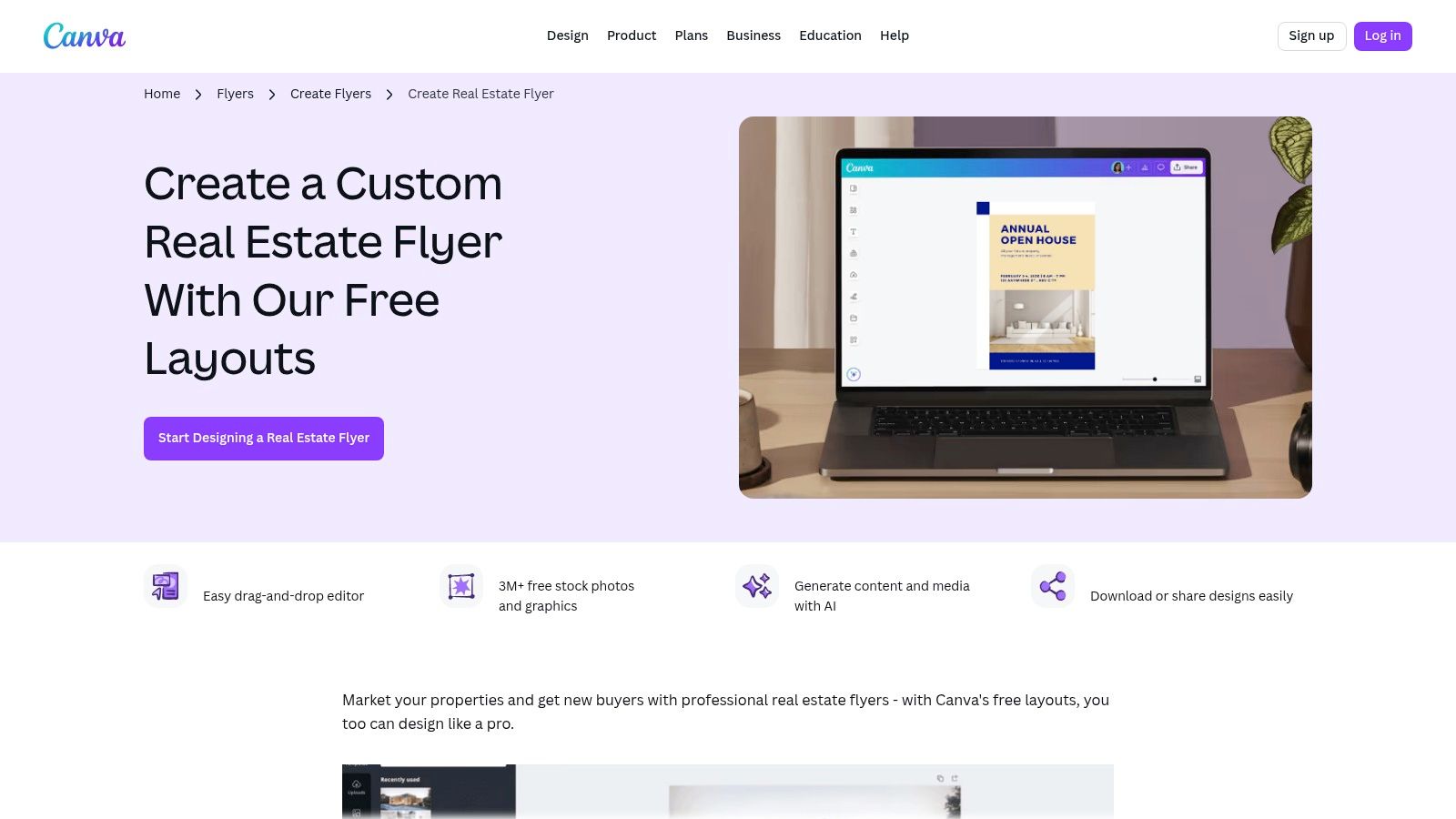
Canva is a powerhouse in the design world for a reason, and its extensive collection of real estate flyer templates free makes it a top choice for agents. Its drag-and-drop web editor and mobile apps are famously intuitive, allowing even design novices to produce professional-looking marketing materials in minutes. The platform's strength lies in its all-in-one approach: you can find a template, customize it with your property photos and text, and then directly export it for print or share it on social media.
Key Features and User Experience
Canva’s interface is clean and user-friendly. You can search for "real estate flyer" to instantly see hundreds of layouts, from modern open house announcements to detailed property feature sheets. Editing is as simple as clicking on an element to change text, colors, or images. The platform also offers a vast built-in library of stock photos, icons, and fonts, which significantly speeds up the design process.
Pro Tip: Use Canva’s "Styles" feature to apply your brand's color palette and fonts to any template with a single click, ensuring brand consistency across all your flyers.
| Feature Analysis | Assessment |
|---|---|
| Ease of Use | Excellent. The drag-and-drop editor is perfect for beginners. |
| Template Variety | Very Good. Hundreds of free and paid options for various listings. |
| Export Options | Excellent. High-resolution PDF for print, plus JPG/PNG for digital use. |
| Cost | Freemium. A robust free tier is available, with premium assets and features on the Pro plan. |
While Canva provides a fantastic free service, be mindful that some of the most polished templates and assets are marked with a crown icon, indicating they are for "Pro" (paid) users. For additional ideas on how to create compelling marketing, you can explore more sample real estate flyers to see what’s possible with these tools.
2. Adobe Express
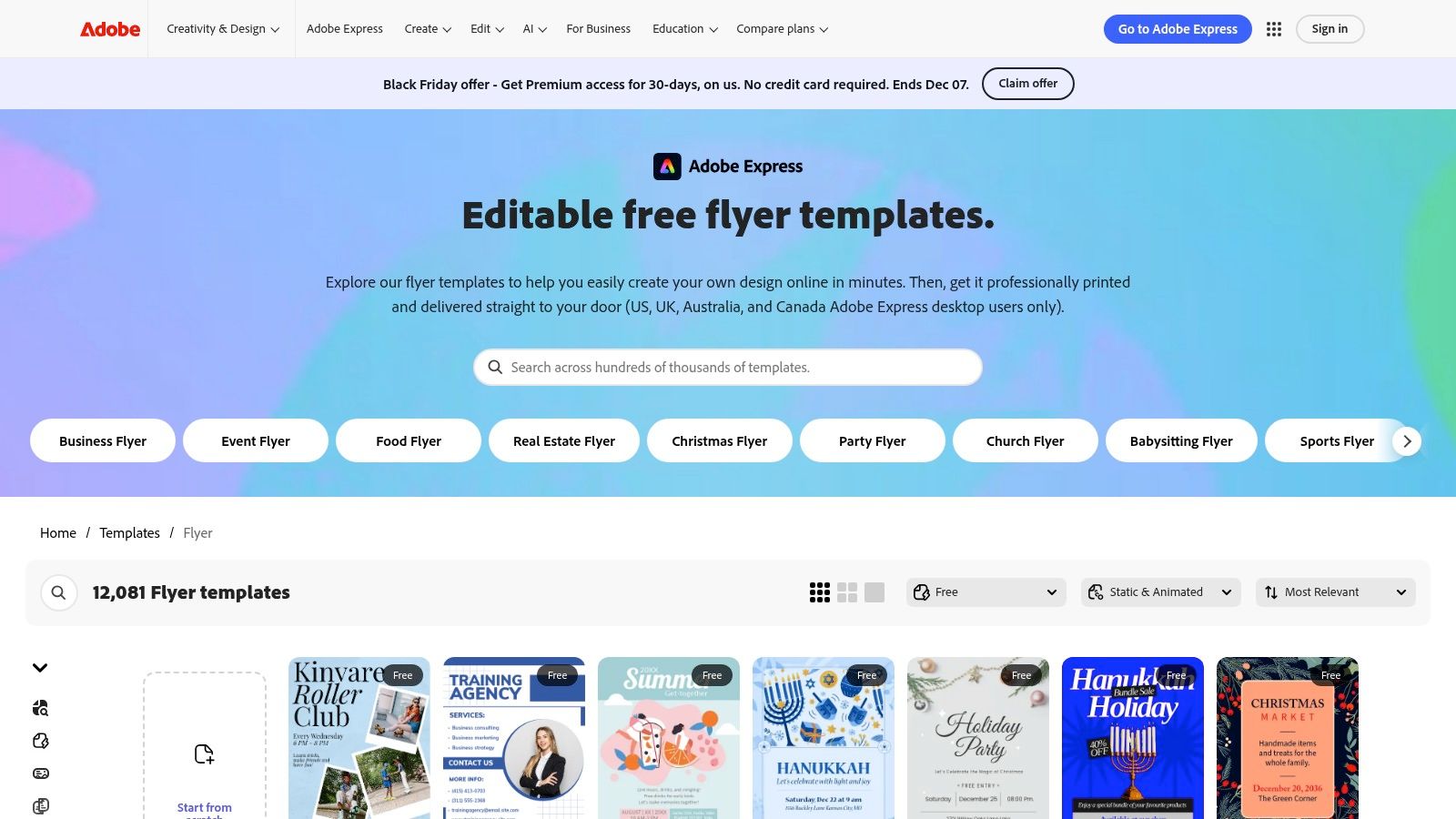
Adobe Express, formerly Adobe Spark, is the design giant's answer to user-friendly, web-based creative tools. It provides a powerful platform for agents seeking high-quality real estate flyer templates free of charge, backed by Adobe's trusted design ecosystem. The intuitive online editor makes it simple to select a professionally designed layout, customize it with property details and branding, and prepare it for distribution without needing advanced graphic design skills. Its strength lies in its polished templates and seamless integration of high-quality Adobe Stock assets.
Key Features and User Experience
The Adobe Express interface is clean, responsive, and easy to navigate. Searching for real estate flyers reveals a wide array of options, from minimalist "Just Listed" announcements to more detailed open house flyers. Editing is straightforward; you can click on any text box, image, or design element to modify it. The platform also offers unique features like one-click resizing to quickly adapt your flyer for social media posts or other marketing formats.
Pro Tip: Use the "Remove Background" feature on your property photos to create clean, professional headshots or highlight specific home features on a solid-colored background, making your flyer stand out.
| Feature Analysis | Assessment |
|---|---|
| Ease of Use | Excellent. Very intuitive editor, suitable for all skill levels. |
| Template Variety | Very Good. A strong collection of free and premium templates. |
| Export Options | Excellent. Download as high-quality PNG, JPG, or PDF. |
| Cost | Freemium. Offers a generous free plan, with premium templates and features locked behind a subscription. |
While Adobe Express offers an impressive free tier, many of the more sophisticated templates and stock photos are reserved for premium subscribers, identified by a small crown icon. However, the free selection is more than sufficient for creating stunning, professional flyers for any listing.
3. PosterMyWall
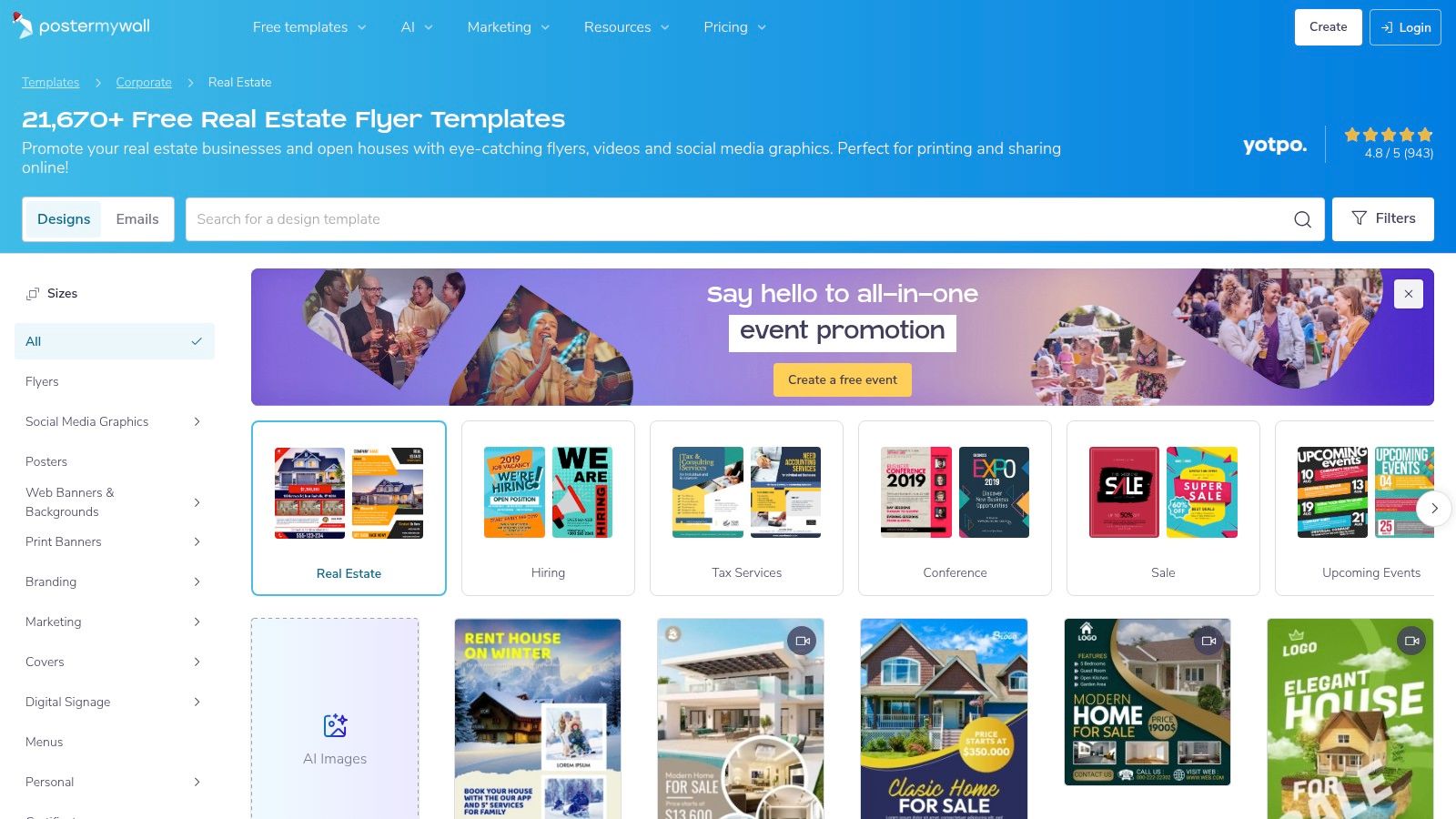
PosterMyWall stands out for its sheer volume, offering one of the largest libraries of real estate flyer templates free for customization. With over 20,000 layouts dedicated to real estate, agents are almost guaranteed to find a design that fits their specific listing, from a luxury condo to a family home open house. The platform is built for speed, enabling users with no design background to quickly select a template, make minor text and image adjustments, and generate a flyer.
Key Features and User Experience
The user experience on PosterMyWall is straightforward and template-driven. You start by browsing or searching its massive collection, and the editor provides basic tools to swap photos, edit text, and change colors. This makes it an excellent choice for agents who need a professional-looking design fast without getting bogged down in complex design software. The platform also integrates optional tools for creating social media posts and email campaigns directly from your flyer design.
Pro Tip: Use the search filters to narrow down the thousands of options by style, such as "modern," "luxury," or "minimalist," to find the perfect template for your property's brand more efficiently.
| Feature Analysis | Assessment |
|---|---|
| Ease of Use | Excellent. Very simple editor designed for quick, template-based edits. |
| Template Variety | Excellent. One of the largest dedicated real estate collections available. |
| Export Options | Good. Free basic-quality downloads are great for web use. |
| Cost | Freemium. Basic quality downloads are free; high-resolution print files require a subscription or one-time payment. |
The primary trade-off with PosterMyWall's free plan is that downloads are lower-resolution, making them better suited for digital sharing than for professional printing. Upgrading to a paid plan is necessary to remove watermarks and access high-definition files suitable for print, but the ability to design and concept for free is a significant advantage.
4. VistaCreate (formerly Crello)
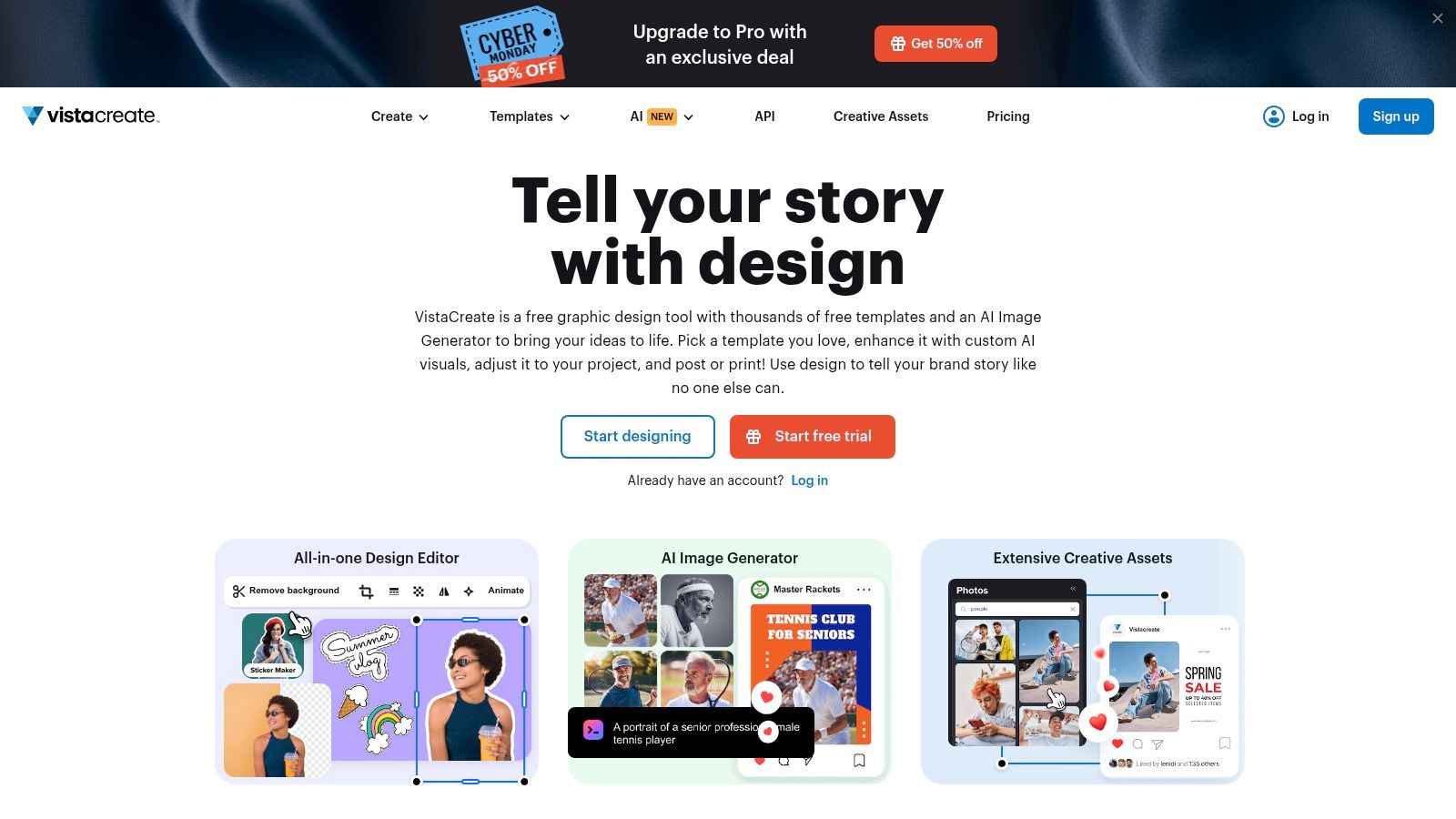
VistaCreate, formerly known as Crello, is another powerful web-based design tool that operates similarly to Canva. Backed by the printing giant VistaPrint, it provides a seamless experience for creating professional marketing materials, including a solid selection of real estate flyer templates free for agents. Its intuitive drag-and-drop editor and extensive asset library make it a strong contender for those looking to design and print high-quality flyers quickly and efficiently.
Key Features and User Experience
The user experience on VistaCreate will feel immediately familiar to anyone who has used a modern design platform. You can easily search for real estate templates, which often come in coordinated sets for flyers, social media posts, and stories. Editing is straightforward: click to replace photos, change text, and adjust colors. A key advantage is its integration with a massive library of stock photos, videos, and vectors, which are accessible even on the free plan.
Pro Tip: Use the "Resize" feature on VistaCreate’s Pro plan to instantly adapt your flyer design for different platforms like Instagram or Facebook, creating a cohesive marketing campaign with minimal effort.
| Feature Analysis | Assessment |
|---|---|
| Ease of Use | Excellent. The editor is clean, responsive, and easy to navigate. |
| Template Variety | Good. A quality selection of modern and classic real estate designs. |
| Export Options | Excellent. PDF for print, JPG, and PNG are standard. |
| Cost | Freemium. A generous free plan is available, with a Pro subscription unlocking premium templates and features like brand kits. |
While VistaCreate's free offering is robust, many advanced features and premium templates are reserved for Pro subscribers. The platform is particularly useful for agents who want to create a full suite of matching marketing assets, not just a standalone flyer, ensuring a consistent and professional brand image across all channels.
- Website: https://create.vista.com
5. Venngage
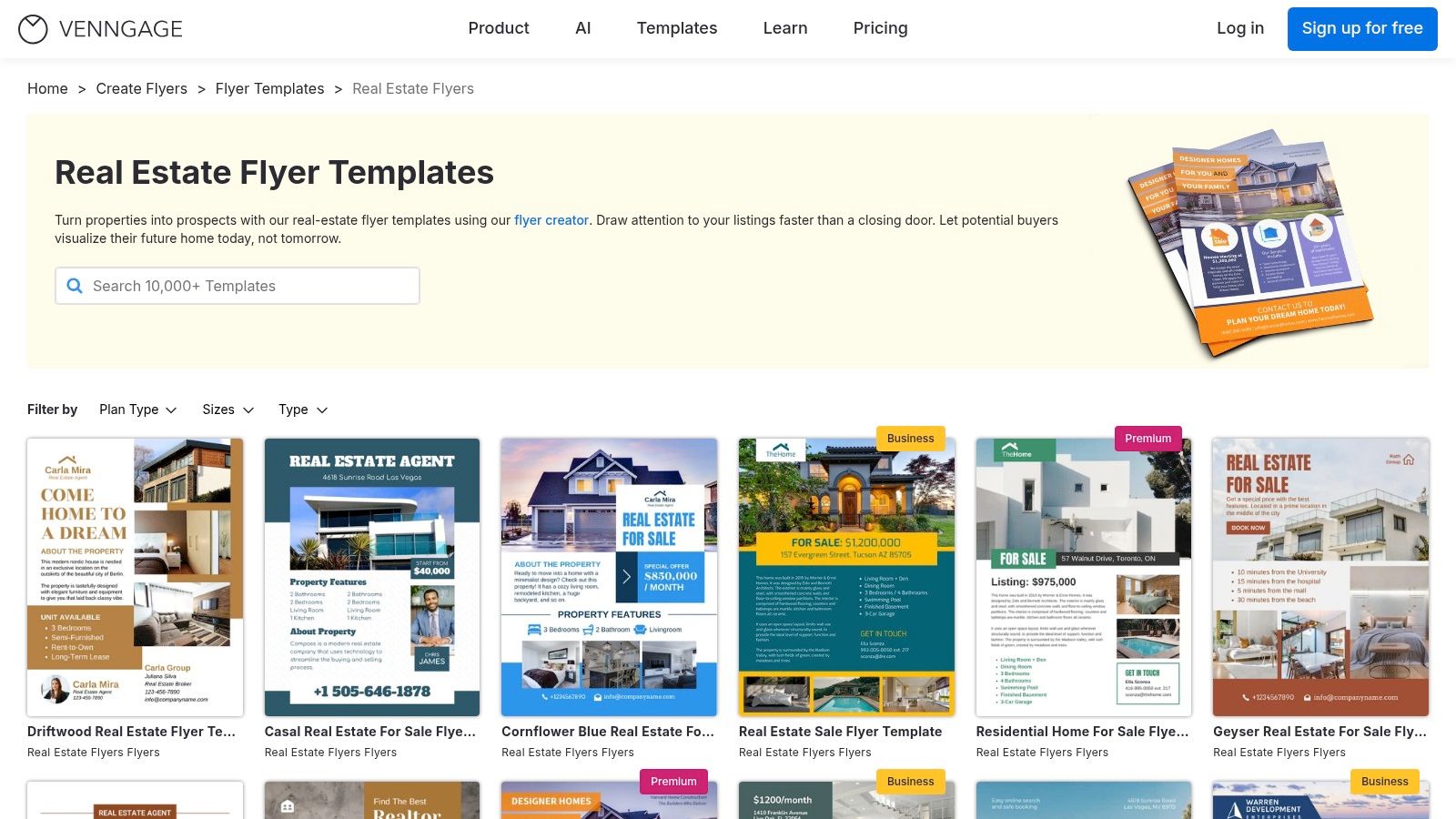
Venngage is a versatile online design tool that offers a dedicated selection of real estate flyer templates free for agents needing to create polished marketing collateral. Primarily known for infographics, its flyer editor is straightforward and provides clean, professional layouts ideal for property listings, open house invitations, and market updates. The platform is designed to be accessible, allowing users to quickly select a template and begin customizing it in a web-based editor.
Key Features and User Experience
Venngage’s editor is intuitive, with clearly labeled templates that specify whether they are part of the free, premium, or business plans. This transparency helps you avoid designing a flyer you can't download. The customization options are solid, offering access to a library of icons, stock photos, and chart tools to visualize data. The user interface is clean, making it simple to navigate and edit text, swap images, and adjust colors to match your brand.
Pro Tip: Look for templates tagged as "Free" to ensure you can export your final design without needing to upgrade to a paid plan. Free exports are typically limited to lower-resolution PNG files.
| Feature Analysis | Assessment |
|---|---|
| Ease of Use | Very Good. The interface is simple and easy for new users to navigate. |
| Template Variety | Good. A focused collection of professional, data-driven layouts. |
| Export Options | Fair. Free plan is limited to PNG downloads, often with a watermark. PDF requires a paid plan. |
| Cost | Freemium. A functional free plan exists, but key features like high-res PDF exports are paywalled. |
While Venngage offers excellent designs, its free tier has significant limitations, particularly regarding export quality. The free plan is best suited for creating digital flyers for email or social media. For agents who need high-resolution, print-ready PDFs, a paid subscription is almost always necessary to unlock the platform's full potential and remove branding.
6. Visme
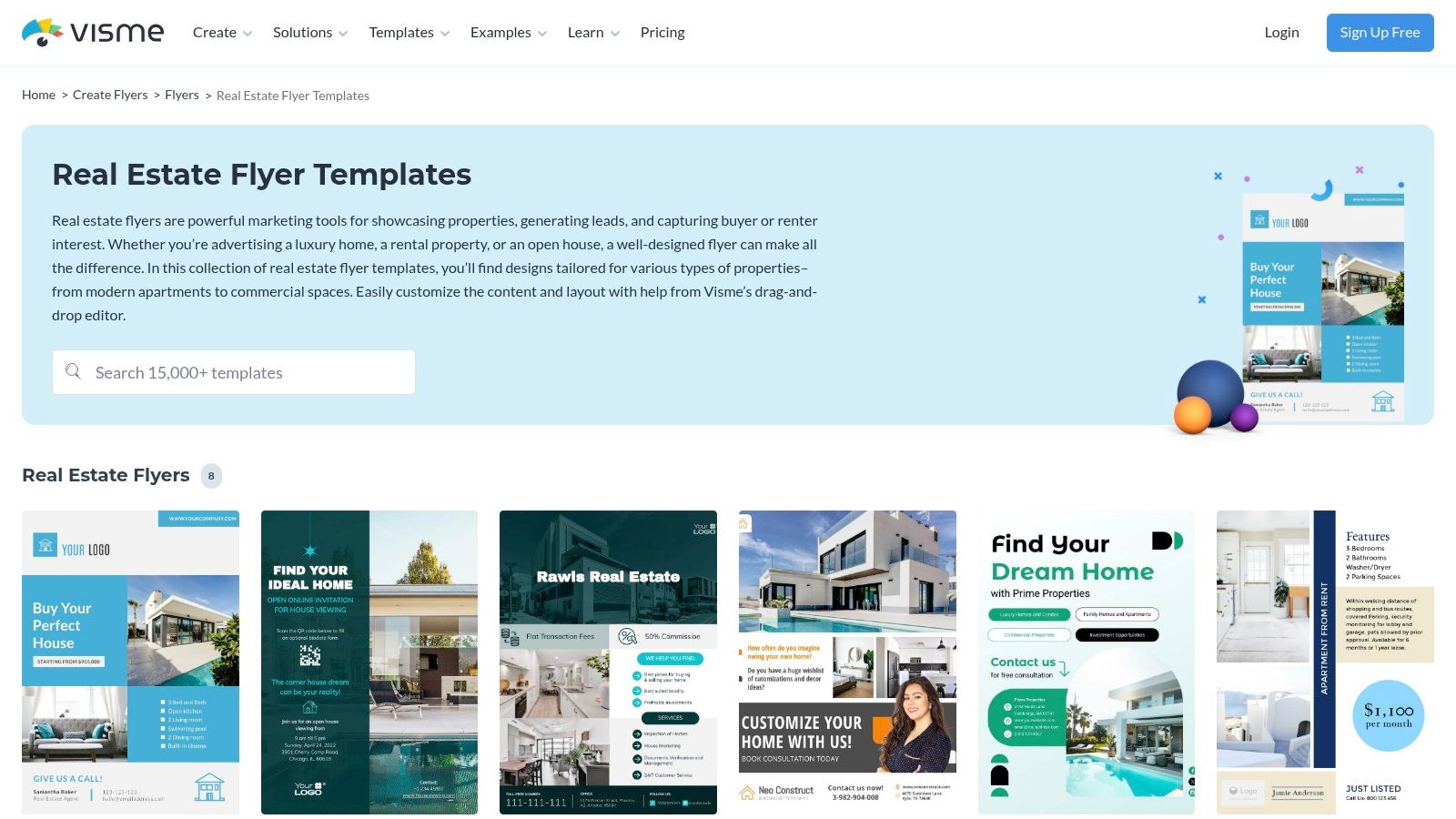
Visme positions itself as a comprehensive visual communication tool, making it an excellent resource for agents who want to create data-rich marketing materials. Beyond standard property listings, its library of real estate flyer templates free excels at presenting market reports, neighborhood statistics, and investment opportunities. The platform is designed for creating more than just flyers; it handles infographics, presentations, and reports, giving your marketing a professional, data-driven edge.
Key Features and User Experience
Visme’s editor is slightly more complex than simpler tools but offers powerful features like data widgets, charts, and interactive elements. You can easily drag and drop graphs to showcase property value trends or insert maps to highlight local amenities. This makes it ideal for agents who want to establish themselves as local market experts by providing tangible data in their flyers. The ability to add QR codes or video links also bridges the gap between your print and digital marketing efforts.
Pro Tip: Use Visme's data visualization tools to create a "Neighborhood Spotlight" flyer. Include charts on school ratings, average sale prices, and walkability scores to provide immense value to potential buyers.
| Feature Analysis | Assessment |
|---|---|
| Ease of Use | Good. More feature-rich, which presents a slightly steeper learning curve than basic editors. |
| Template Variety | Good. A quality selection, though smaller than giant platforms, with a strong focus on business and data visuals. |
| Export Options | Excellent. PDF, JPG, PNG, and the unique ability to share as a live, interactive web link. |
| Cost | Freemium. The free plan is robust but includes Visme branding. Paid plans unlock premium assets and brand features. |
While Visme’s core strength is its data integration, keep in mind that the free version will include a small Visme logo on your exports. However, for agents looking to create flyers that do more than just show pictures of a house, Visme provides the tools to tell a compelling, data-backed story that can truly set a listing apart.
7. Template.net
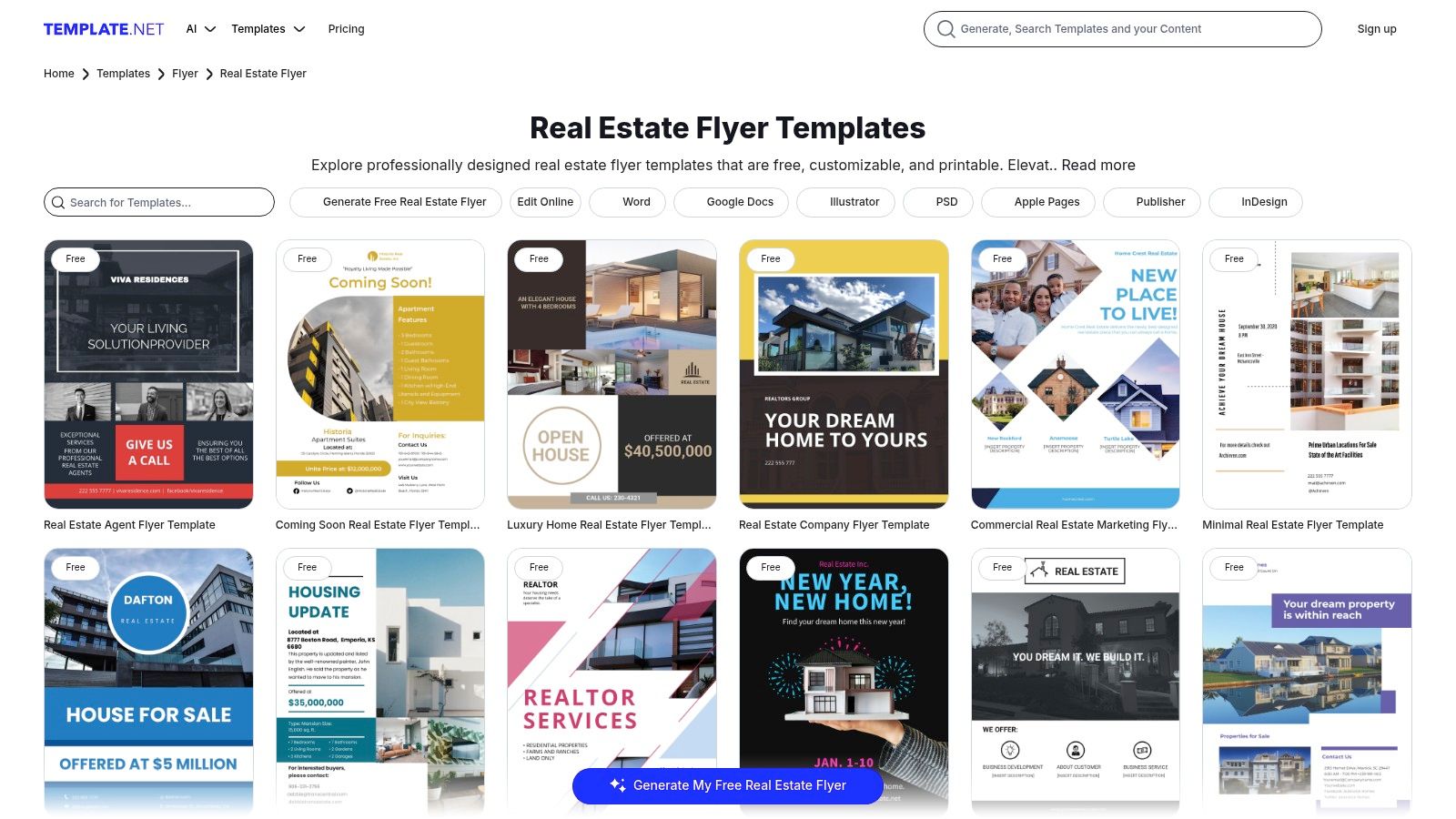
Template.net offers a massive repository of downloadable designs, making it a go-to source for agents who prefer editing offline in familiar desktop software. Rather than a web-based editor, this platform provides real estate flyer templates free in a variety of file formats, including Microsoft Word, Google Docs, Adobe Photoshop (PSD), and Illustrator (AI). This approach is perfect for agents who want to leverage the advanced features of their existing programs or simply work within a word processor.
Key Features and User Experience
The primary advantage of Template.net is its file format flexibility. When you find a design you like, you can often download it in multiple versions within a single package, allowing you to choose the program you're most comfortable with. The templates are typically pre-formatted for U.S. Letter size, making them print-ready from the start. The user experience involves browsing the library, selecting a template, and downloading the files to your computer for offline customization.
Pro Tip: For Word or Google Docs templates, replace the placeholder images using the "Change Picture" or "Replace Image" function to maintain the original formatting and layout.
| Feature Analysis | Assessment |
|---|---|
| Ease of Use | Good. Requires familiarity with the chosen editing software (e.g., Word, Photoshop). |
| Template Variety | Good. A solid mix of free and premium designs for different property types. |
| Export Options | Excellent. Direct downloads in multiple, high-quality, editable formats. |
| Cost | Freemium. Many templates are free, but premium designs require a subscription. |
While the selection is broad, be aware that downloading often requires creating a free account. Some of the more sophisticated designs are reserved for premium subscribers, but the free collection is more than sufficient for creating standard property flyers, open house announcements, and just-listed marketing materials.
8. Shutterstock Create (Shutterstock Templates)
Shutterstock, a titan in the stock photography world, extends its visual expertise into design with Shutterstock Create. This browser-based tool offers a selection of real estate flyer templates free for customization, making it a strong contender for agents who prioritize high-quality imagery. The platform’s primary advantage is its direct integration with Shutterstock's enormous stock photo library, providing a seamless workflow for finding the perfect shot to complement your listing.
Key Features and User Experience
The Shutterstock Create editor is straightforward and designed for quick edits. Users can select a real estate flyer template and easily swap out placeholder text and images with their own property details and photos. The interface feels clean and less cluttered than some competitors, focusing on core editing functions like text effects, filters, and graphics. This makes it ideal for agents who need to create a professional flyer quickly without getting lost in complex design features.
Pro Tip: While many templates are free, the true power comes from the integrated stock library. Look for templates that allow a large, prominent photo to showcase a premium Shutterstock image that captures the lifestyle of your property.
| Feature Analysis | Assessment |
|---|---|
| Ease of Use | Very Good. The editor is intuitive for basic photo and text swaps. |
| Template Variety | Good. A decent collection, though not as extensive as dedicated design platforms. |
| Export Options | Excellent. Provides high-quality JPG, PNG, and PDF for web and print needs. |
| Cost | Freemium. The editor and many templates are free, but premium stock images require a subscription or separate purchase. |
The main consideration with Shutterstock Create is its business model. While you can use the editor and its free templates without cost, accessing the best professional images from the Shutterstock library often requires a paid plan. However, for agents who already have a Shutterstock subscription or are willing to invest in premium imagery, this platform offers a streamlined and high-quality solution.
9. Zillow Premier Agent (Agent Toolkit)
Zillow, a household name in real estate, offers a valuable resource for its professional partners through the Zillow Premier Agent Toolkit. Among these resources is a collection of real estate flyer templates free to download, designed specifically for property listings and open house events. What sets this offering apart is its simplicity and reliance on a familiar tool: Microsoft PowerPoint. This makes it an excellent choice for agents who want straightforward, agent-tested layouts without needing to learn a new design platform.
Key Features and User Experience
The Zillow toolkit provides a no-frills experience. You simply visit the resource page, choose a template that fits your needs, and download the .PPTX file. Customization happens locally on your computer in PowerPoint, where you can easily swap out photos and edit text fields just as you would with any presentation slide. The designs are clean, professional, and focus on communicating essential property details effectively. While less flashy than dedicated design tools, their practicality is a major advantage for busy agents.
Pro Tip: Once you customize a flyer in PowerPoint, save it as a PDF (File > Save As > PDF) to ensure formatting remains perfect when you print it or email it to clients.
| Feature Analysis | Assessment |
|---|---|
| Ease of Use | Excellent. If you can use PowerPoint, you can edit these templates. |
| Template Variety | Fair. A focused but limited selection of practical, agent-centric designs. |
| Export Options | Good. Export directly from PowerPoint to PDF, JPG, or other standard formats. |
| Cost | Free. Completely free to download and use with no account or subscription needed. |
The main limitation is the lack of creative variety and advanced design features found on platforms like Canva. However, for agents who prioritize speed and efficiency using a program they already own, Zillow’s toolkit delivers reliable, professional results without any cost or learning curve.
10. Vistaprint
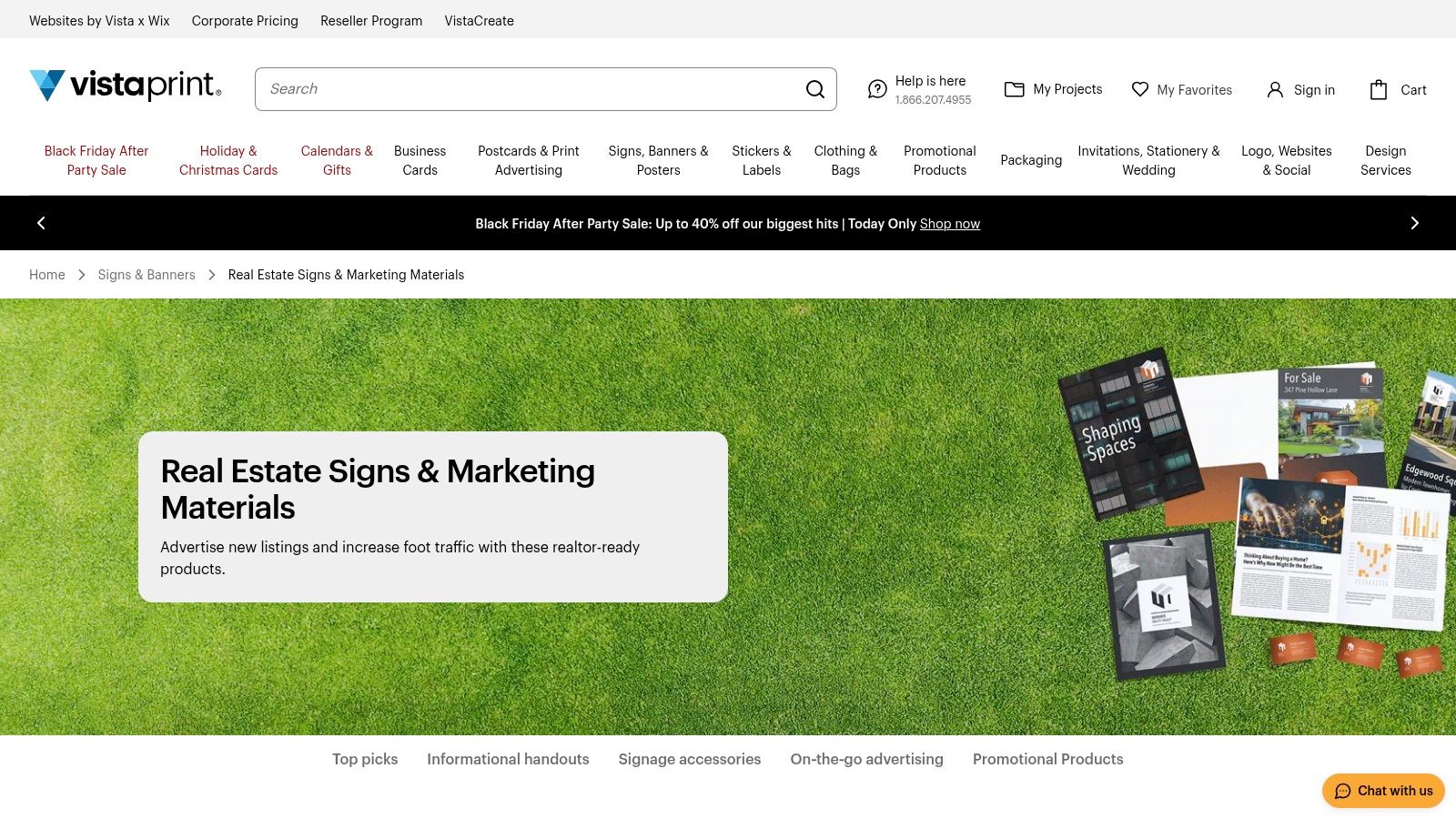
Vistaprint is a household name for custom printing, and it excels as a one-stop-shop for agents who want to design and order professional prints from a single platform. While the templates themselves are free to customize, the core service is the seamless integration with their high-quality printing and shipping services. This makes it an ideal choice for agents who value convenience and a tangible, professionally printed final product without needing to manage separate design and print vendors.
Key Features and User Experience
Vistaprint’s online editor is straightforward, allowing you to select a real estate flyer template and easily update it with your property details, contact information, and photos. The platform shines with its printing options, offering a variety of paper stocks, finishes (like glossy or matte), and sizes. This allows you to create flyers that have a premium feel, which can make a significant difference when marketing high-end properties.
Pro Tip: Always order a proof or a small initial batch to check the color accuracy and paper quality before committing to a large print run for an open house or mailer campaign.
| Feature Analysis | Assessment |
|---|---|
| Ease of Use | Very Good. The editor is simple, guiding you from design to checkout. |
| Template Variety | Good. A solid collection of professional templates, though fewer than design-first platforms. |
| Export Options | Limited. Primarily designed for printing directly through Vistaprint, not for digital export. |
| Cost | Freemium. Template customization is free, but printing and shipping costs apply. |
The main trade-off with Vistaprint is that its design tool is less flexible than dedicated editors like Canva. However, for agents who prioritize an all-in-one solution for creating and printing their real estate flyer templates free of design hassle, it is an incredibly efficient choice. Integrating such materials is a key part of an agent's marketing strategy; you can explore more about a comprehensive approach with these real estate agent marketing materials.
11. Marq (formerly Lucidpress)
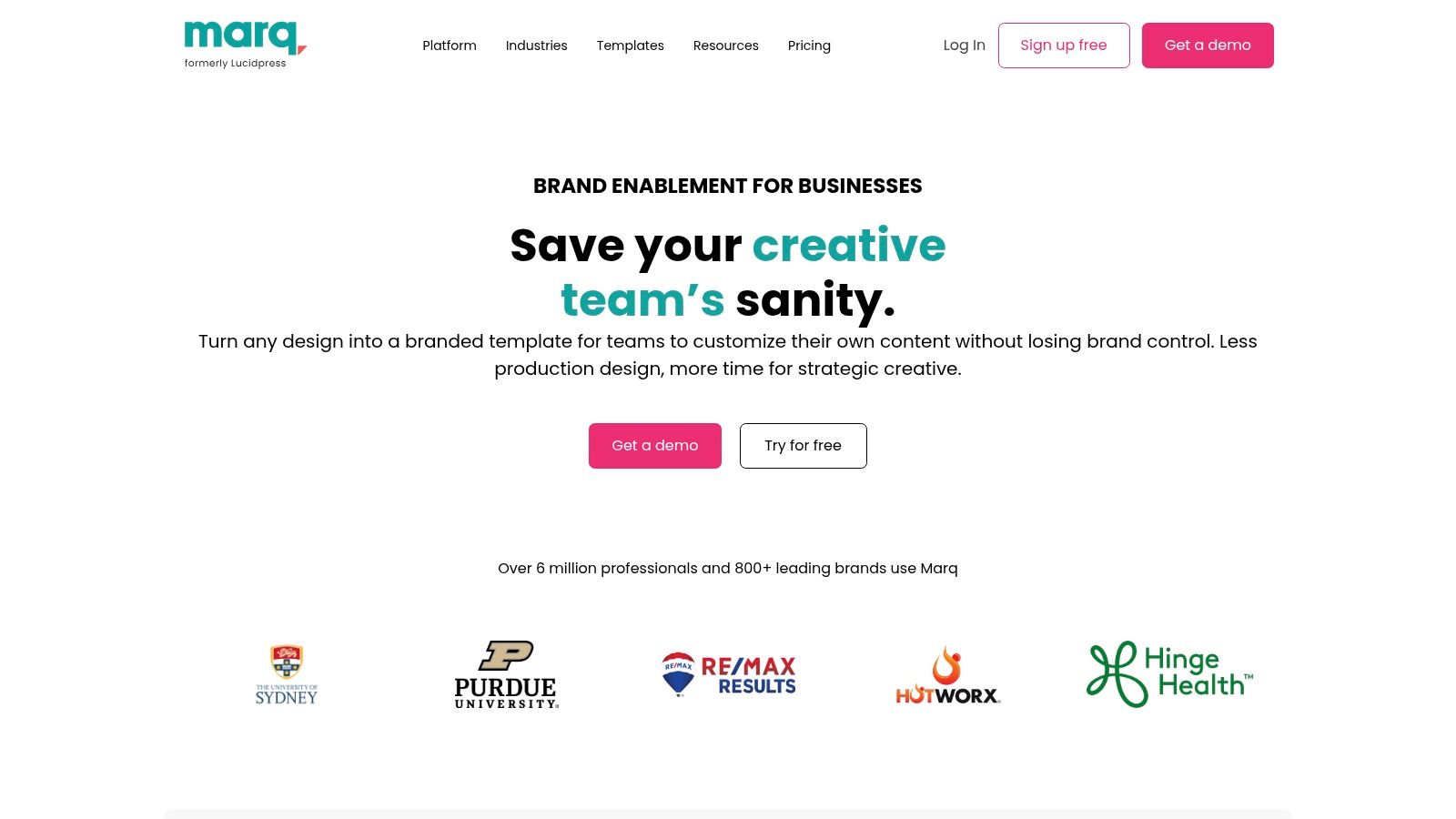
Marq, formerly known as Lucidpress, is a brand templating platform that shines for brokerages and real estate teams seeking strict brand consistency. While it offers real estate flyer templates free to start, its core strength lies in features designed for controlled, scalable marketing. It goes beyond simple design by allowing team leaders to create locked templates where agents can only edit specific fields like property photos, listing details, and contact information, ensuring every flyer adheres to brand guidelines.
Key Features and User Experience
Marq is built for professional teams, and its standout feature is the ability to connect to an MLS feed to auto-populate listing data directly into a flyer. This massively reduces manual data entry and streamlines the creation process for multiple properties. The interface is more robust than a typical drag-and-drop editor, offering advanced controls over brand assets, fonts, and logos that can be locked down for team use.
Pro Tip: For brokerages, use the "Smart Brand" feature to upload your logo, colors, and fonts. Marq will automatically apply these assets to a range of templates, creating a branded library for your agents in minutes.
| Feature Analysis | Assessment |
|---|---|
| Ease of Use | Good. More complex than basic editors but powerful once learned. |
| Template Variety | Good. A solid selection of professional templates, though fewer than design-first platforms. |
| Export Options | Excellent. High-quality print and digital formats, with direct ordering options. |
| Cost | Freemium. A free plan is available; its best features are in the paid Business and Enterprise tiers. |
Marq's free tier provides a good entry point, but its true power is unlocked in its paid plans, which are geared toward teams rather than individual agents. The platform is an excellent choice for brokerages that need to enforce branding and automate flyer creation across their entire organization.
- Website: https://www.marq.com
12. ProspectsPLUS!
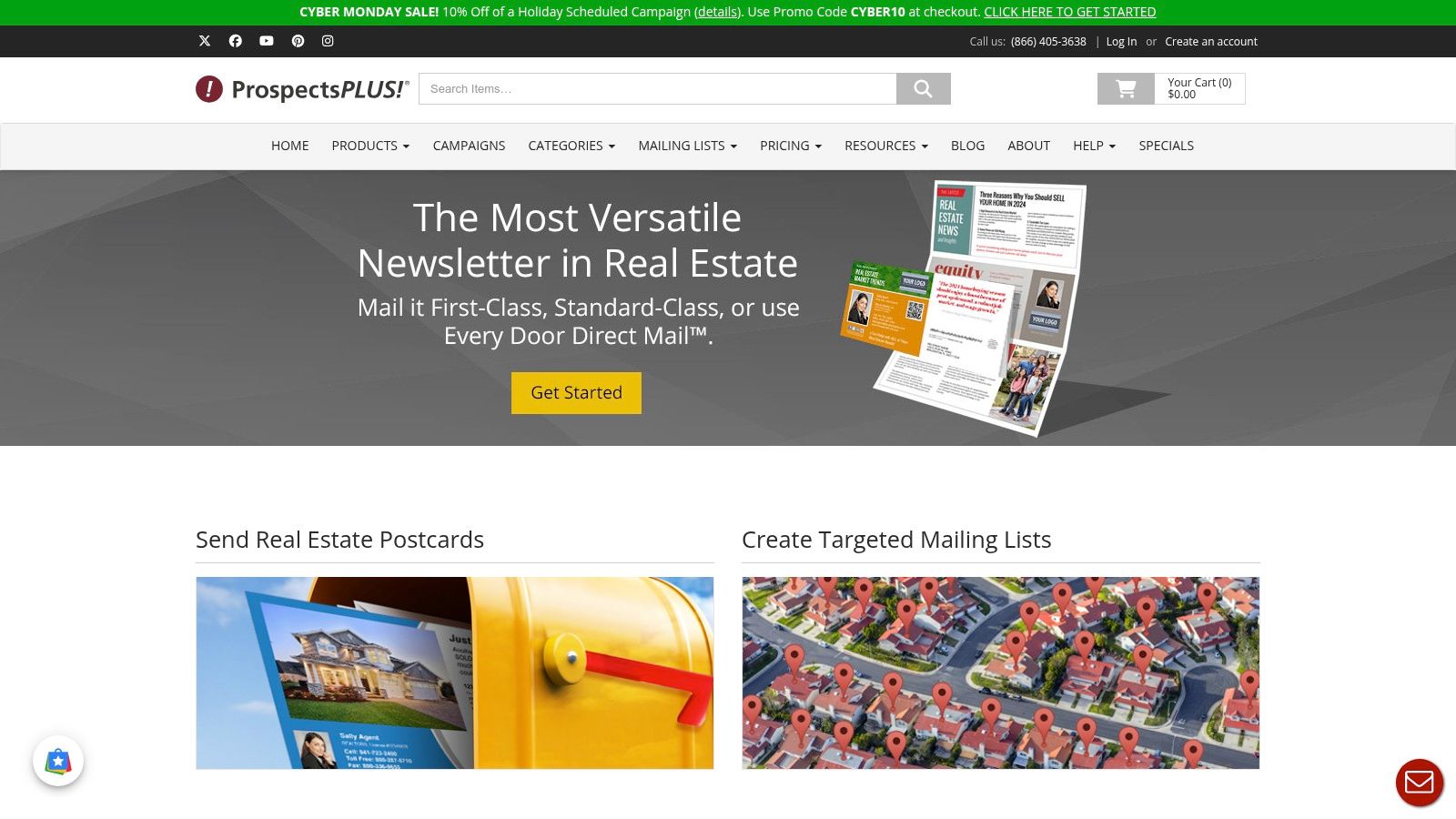
ProspectsPLUS! is a marketing platform built specifically for real estate professionals who need more than just a template; they need a full-service printing and mailing solution. While not offering real estate flyer templates free for standalone download, the platform provides a vast library of professionally designed templates as part of its printing service. This integrated approach is ideal for agents who want to design, print, and mail their marketing materials from a single, streamlined dashboard.
Key Features and User Experience
The platform excels at simplifying the direct mail process. Users can select a flyer, customize it with property details and photos in an online editor, and then choose their target audience for mailing. The interface is geared toward marketing campaigns, offering options like Every Door Direct Mail (EDDM) and targeted mailing lists. This makes it a powerful tool for agents focused on farming specific neighborhoods or demographics.
Pro Tip: Use the integrated mailing list services to target new movers or specific homeowner profiles, ensuring your professionally printed flyers land in the right hands.
| Feature Analysis | Assessment |
|---|---|
| Ease of Use | Good. The workflow is straightforward for ordering print materials. |
| Template Variety | Very Good. Large catalog of real estate-specific designs. |
| Export Options | Limited. Primarily focused on sending designs directly to their print service. |
| Cost | Pay-per-service. Templates are free to customize, but you pay for printing and mailing. |
The main trade-off is flexibility; you can't download a high-resolution file to print yourself. However, for agents who value convenience and integrated direct mail, ProspectsPLUS! offers a compelling, all-in-one solution that connects design with lead generation. Using such targeted print materials is a classic strategy, and you can explore more ways to generate real estate leads to complement your campaigns.
- Website: https://www.prospectsplus.com
Top 12 Free Real Estate Flyer Template Comparison
| Product | Core features ✨ | Ease / Quality ★ | Price / Value 💰 | Best for 👥 | Top strength 🏆 |
|---|---|---|---|---|---|
| Canva | Templates, drag‑drop editor, stock assets, print/social export ✨ | ★★★★☆ | 💰 True free tier; Pro assets paid | 👥 Non‑designers & quick‑turn agents | 🏆 Huge template variety & ease |
| Adobe Express | Thousands of templates, one‑click resize, browser download/share ✨ | ★★★★☆ | 💰 Free tier; some premium assets | 👥 Adobe users & fast editors | 🏆 Reliable Adobe ecosystem |
| PosterMyWall | 20k+ real‑estate templates, simple editor, basic free downloads ✨ | ★★★☆☆ | 💰 Free low‑res; pay for HD/print | 👥 Users needing many ready layouts | 🏆 Massive template library |
| VistaCreate | Canva‑style editor, stock assets, coordinated print+social templates ✨ | ★★★★☆ | 💰 Free plan; Pro for extra assets | 👥 Small teams & marketing sets | 🏆 Easy marketing set creation |
| Venngage | Real‑estate templates, PNG/PDF export, icons & assets ✨ | ★★★☆☆ | 💰 Free start; exports often paid | 👥 Agents wanting clean listing flyers | 🏆 Professional, listing‑focused designs |
| Visme | Flyer templates + charts, data widgets, interactive exports ✨ | ★★★★☆ | 💰 Free & paid tiers | 👥 Data‑driven market/neighborhood flyers | 🏆 Data‑rich visual tools |
| Template.net | Print‑ready U.S. Letter templates in Word/PSD/AI/Google Docs ✨ | ★★★☆☆ | 💰 Mix of free & premium; account may required | 👥 Desktop app users (Word/PS) | 🏆 Multi‑format, print‑ready files |
| Shutterstock Create | Browser editor + templates, access to Shutterstock imagery ✨ | ★★★★☆ | 💰 Free editor; premium stock licensed separately | 👥 Users needing strong stock photos | 🏆 Shutterstock stock library |
| Zillow Premier Agent | PowerPoint listing & open‑house flyer templates, agent resources ✨ | ★★★☆☆ | 💰 Completely free downloads | 👥 Zillow agents & PPT familiar users | 🏆 Free, agent‑tested layouts |
| Vistaprint | Customizable templates + professional printing & US delivery ✨ | ★★★★☆ | 💰 Design free; printing/shipping paid | 👥 Agents who want print fulfillment | 🏆 One‑stop design + print service |
| Marq (Lucidpress) | Lockable brand templates, MLS data merge, team controls ✨ | ★★★☆☆ | 💰 Team/enterprise pricing | 👥 Brokerages & teams needing brand control | 🏆 Brand governance & MLS integration |
| ProspectsPLUS! | Real‑estate flyers, postcards, EDDM & mailing/print fulfillment ✨ | ★★★☆☆ | 💰 Pay‑per‑print; templates tied to print orders | 👥 REALTORS® needing mail + print campaigns | 🏆 Direct mail + transparent print pricing |
From Template to Triumph: Supercharge Your Flyer Workflow
Navigating the landscape of free real estate flyer templates can be overwhelming, but this guide has equipped you with a curated selection of top-tier tools. We've explored everything from the design-forward powerhouses like Canva and Adobe Express to the more niche, industry-specific resources offered by ProspectsPLUS! and the Zillow Premier Agent toolkit. The central theme is clear: you don't need a massive budget to create professional, eye-catching marketing materials.
The right tool for you depends entirely on your specific needs and technical comfort level. A new agent seeking maximum ease-of-use might find PosterMyWall's straightforward interface perfect for a quick "Just Listed" flyer. In contrast, an agent on a team with established brand guidelines might lean on Marq (formerly Lucidpress) for its advanced brand-locking features, ensuring consistency across all marketing collateral.
Key Takeaways for Success
Your journey from template selection to a successful marketing campaign involves more than just downloading a file. Here are the most critical takeaways to remember:
- Define Your Goal First: Before you even browse for a template, clarify the flyer's purpose. Is it for an open house, a new listing, a market update, or personal branding? Your objective will dictate the best layout, the necessary information, and the most effective call to action.
- Brand Consistency is Non-Negotiable: Your flyer is a direct reflection of your professional brand. Always customize templates with your specific brand colors, fonts, logo, and a high-quality, professional headshot. A generic-looking flyer will get lost in the shuffle.
- Content is King: A beautiful design will capture attention, but compelling content will drive action. The property description, market data, and headline are just as crucial as the visuals. This is where you can truly differentiate yourself.
- High-Quality Visuals are Mandatory: Never compromise on image quality. Use professional photography for listings and ensure your headshot is crisp and clear. Grainy or poorly lit photos will instantly devalue your flyer and your brand.
Beyond the Template: Building an Efficient Workflow
Choosing the right real estate flyer templates free resource is only the first step. To truly maximize the impact of your marketing, you need an efficient workflow that combines great design with compelling, data-driven content. Once you've selected a layout from the resources above, consider how to elevate the copy. Instead of spending hours writing property descriptions or market updates, you can leverage AI-powered tools to do the heavy lifting.
Platforms like Saleswise are purpose-built for agents, offering a suite of content-generation tools trained on materials from top producers. You can generate professional listing descriptions, market summaries, and call-to-action text in seconds, ensuring your flyer's message is as polished as its design. To truly supercharge your flyer workflow and overall marketing efforts, consider integrating cutting-edge technologies. Discover how leading AI marketing software for campaigns can streamline your campaigns and enhance your flyer designs.
Furthermore, Saleswise's core strength, creating lightning-fast, highly accurate Comparative Market Analyses (CMAs), provides the trustworthy data you need to back up your claims. Imagine adding a "Recent Market Snapshot" section to your flyer with hyper-local data pulled from a 30-second CMA. This combination of a high-quality free template and AI-generated, data-backed copy creates an unstoppable marketing asset. By integrating these smart tools, you transform a simple template into a powerful, lead-generating machine, saving you invaluable time to focus on what matters most: closing deals.
Ready to elevate your flyer content from good to unforgettable? Stop spending hours writing copy and let Saleswise generate polished, professional listing descriptions and market data in seconds. Integrate powerful, AI-driven content into your favorite free real estate flyer templates and see the difference it makes.