
An AI CMA tool built on real comps, not guesses.
Give it an address. Saleswise pulls sold, pending, and active comps from direct listing and sales data, reviews them the way you would, and builds a client-ready report with your branding.
3 free CMA replies every month · Unlimited for $39/mo



Why not just ask ChatGPT?
A generic AI can’t see the market. Saleswise can.
Ask a general chatbot for comps and it will make them up or ask you to paste them in. Saleswise works from real listing and sales records.
01
Direct listing and sales data
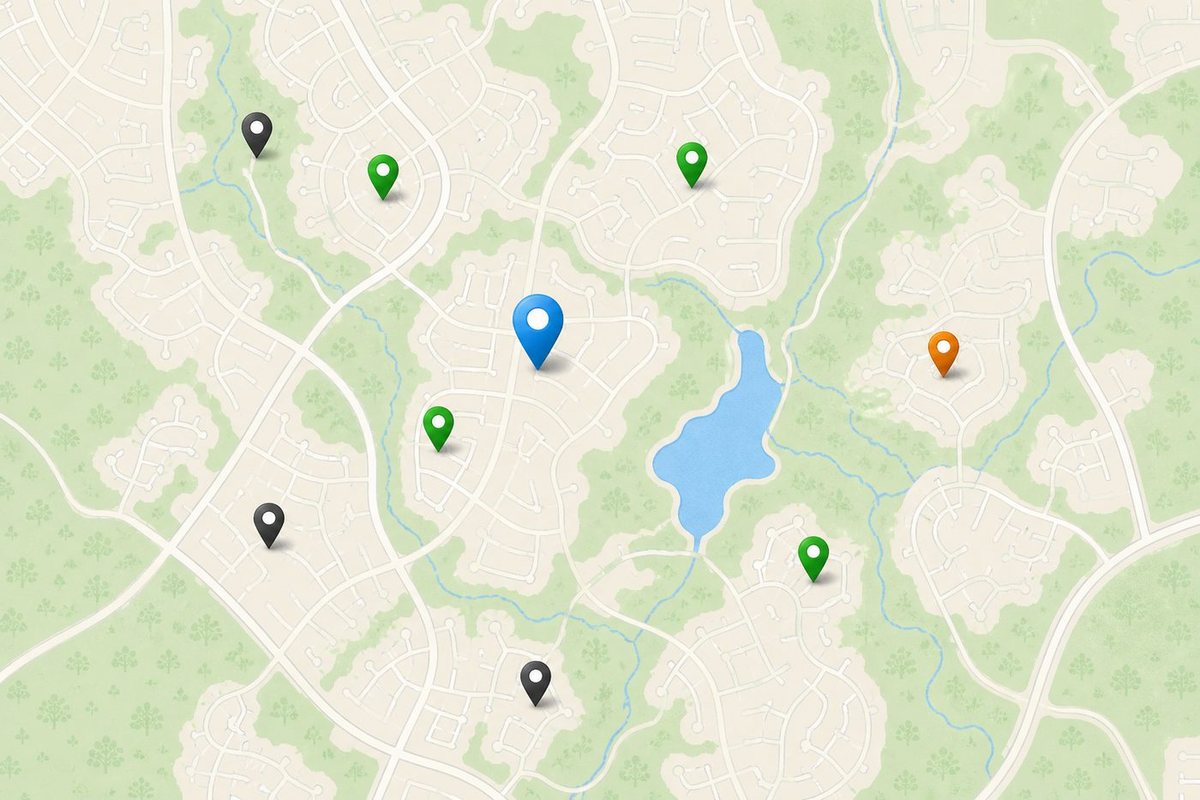
Recent sold, pending, and active homes near the subject, with dates, distances, and photos. Look up any home or comp by MLS number.
02
Reviews comps like an agent
It reads listing photos for condition, checks value estimates and local market stats, and drops homes that don’t fit, then tells you which ones.
03
A price it can explain
Every CMA includes how the price was reached. Push back and it re-examines the comps and answers you, instead of just agreeing.
Ask follow-ups
Work the CMA like you’d work with an analyst.
Add a comp you know about, drop one that doesn’t fit, or ask why the price landed where it did. The map, the comp list, the price, and the report all update together.

Comparative Market Analysis
1483 Highland Oaks Dr
Atlanta, GA · Prepared Nov 1
Isla Rivera
Skyline Collective · (555) 903-4410
Client-ready report
A report you’d put your name on.
Download a branded PDF with the comps, the map, the suggested price, and how it was priced, or share it as a link. Your name, photo, brokerage, and contact details come from your profile.
It learns how you work
Tell it once. It remembers next time.
Saleswise keeps track of how you like comps picked, how you lean on price, and how you like the report written, and applies it to your next CMA. You can see and delete anything it remembers.
Your preferences
How Saleswise picks the comps.
Step 1
Finds the home
From MLS listing data and property records. No MLS login needed.
Step 2
Searches the market
Homes sold in the last year, plus pending and active listings nearby.
Step 3
Throws out misfits
Wrong property type, wrong story count, 55+ communities, and duplicates.
Step 4
Picks up to 8 comps
A mix of sold, active, and pending homes, closest first.
Step 5
Prices it
Checks the comps against value estimates and local market stats.
Step 6
Tells you what it found
Conflicting records, outlier comps, or a missing bed count, so nothing surprises you.
From address to report in three steps.
Step 1
Enter the address
Or an MLS number. Saleswise looks up the home and the sales around it.
Step 2
Review the comps and price
See every comp on the map. Ask for changes or add homes you know about.
Step 3
Send the report
Download the branded PDF or share a link with your seller.
CMA questions
Is the CMA tool free?
Yes. The free plan includes 3 CMA replies every month. Unlimited CMAs are $39 a month, and you can try unlimited for $1 for 7 days.
What is a comparative market analysis?
A comparative market analysis, or CMA, estimates what a home will sell for by comparing it to similar homes nearby that recently sold, are pending, or are for sale. Agents use it to set a list price with a seller or to shape an offer with a buyer.
Where do the comps come from?
Saleswise connects to direct listing and sales data sources. You see every comp on the map and can add or remove any of them.
Can I add a comp it missed?
Yes. Type the address or MLS number and it’s added to the map, the comp list, and the price.
Does it do rental CMAs?
Yes, for a single unit. Start a rental CMA and it prices the rent from nearby rentals.
Does the report have my branding?
Yes. Your name, photo, brokerage, and contact details come from your profile.
Do I need an MLS login?
No. Saleswise pulls MLS listing data from the public sites it’s syndicated to, plus property records.
Comparing tools?
More for the same listing
AI Staging
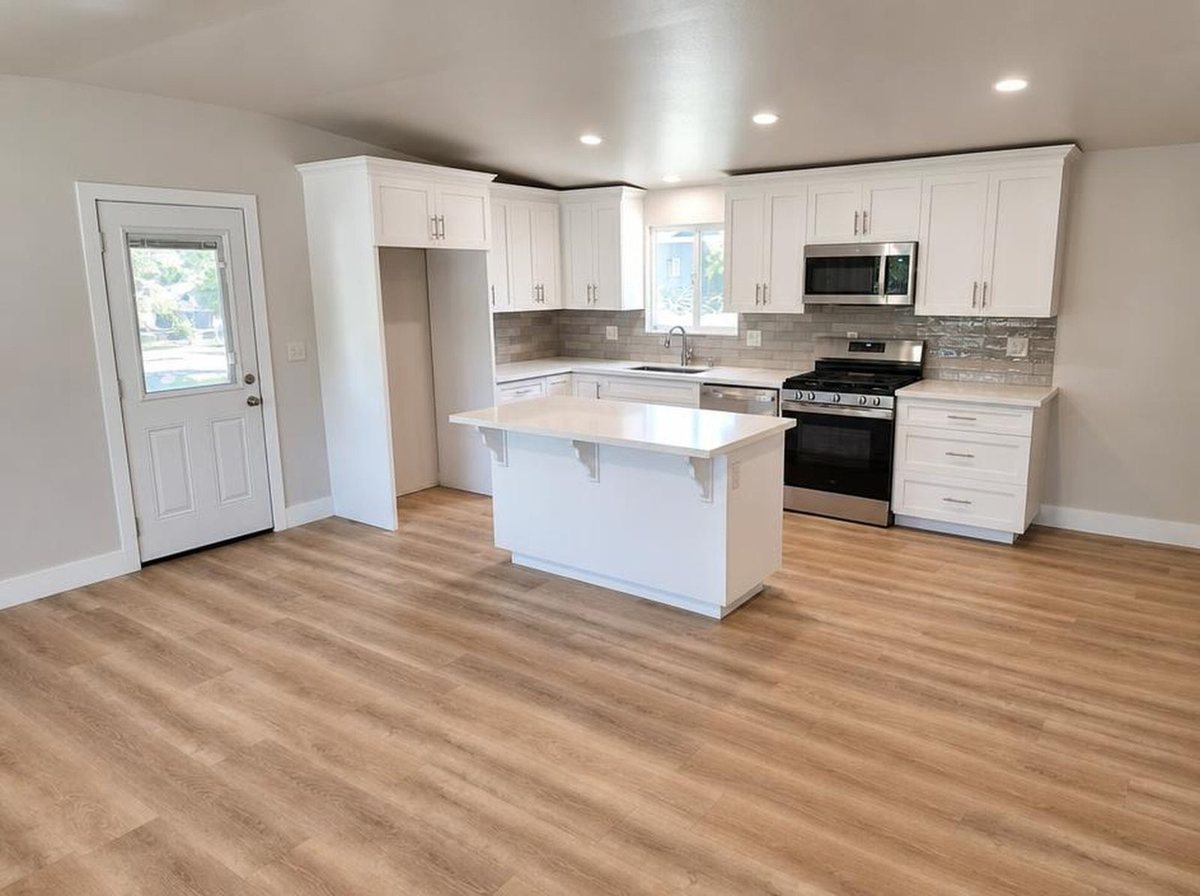
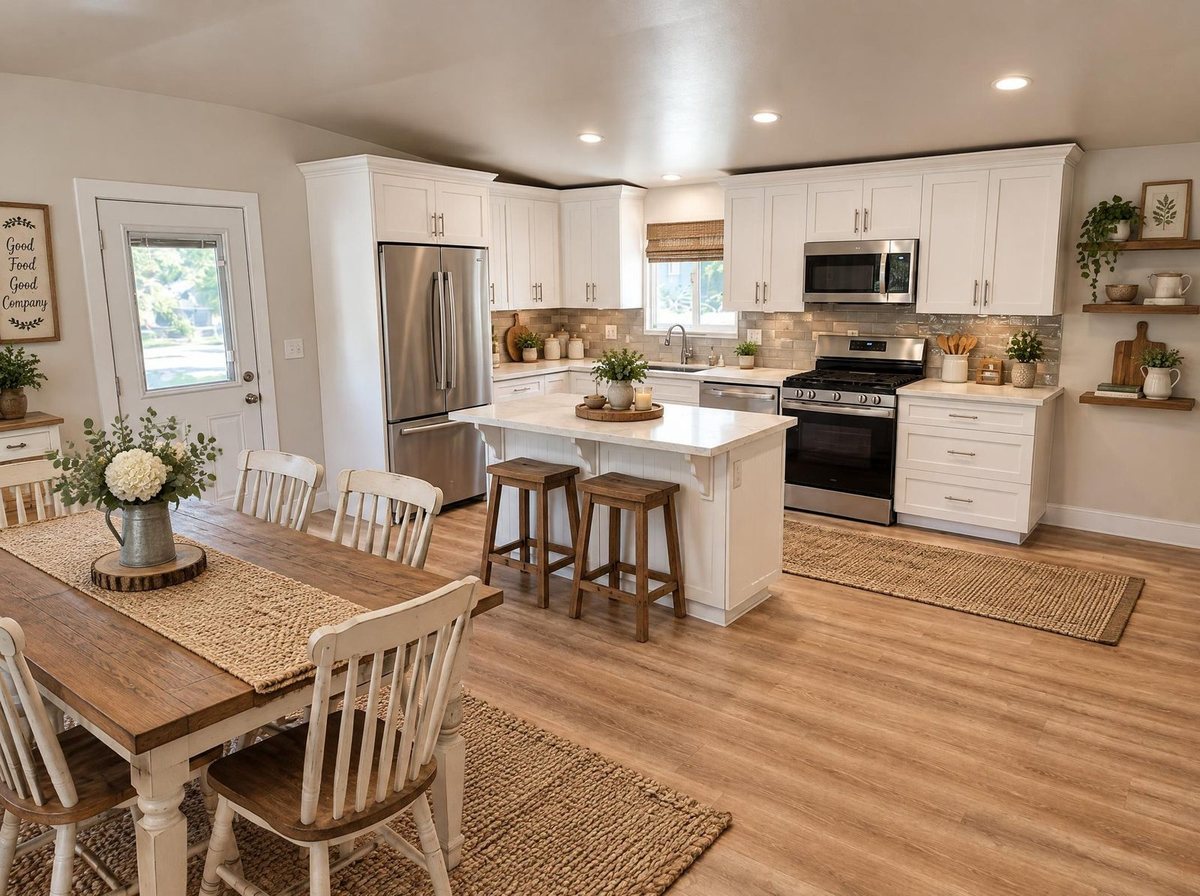
Furnish empty rooms, restyle dated ones, and fix the sky. Walls and windows stay put.
Explore Staging


Flyers
One design for Just Listed, Open House, and Sold. PDF for print, PNG to share.
Explore Flyers

Social posts
Branded posts for every stage of the listing, square or vertical for Stories.
Explore Social posts