Virtual staging for listing photos, in minutes. The room stays the room.
Furnish empty rooms, restyle dated ones, clear clutter, and fix the sky. Walls, floors, windows, and the camera angle stay exactly as they are.
3 free staged images every month · Unlimited for $39/mo
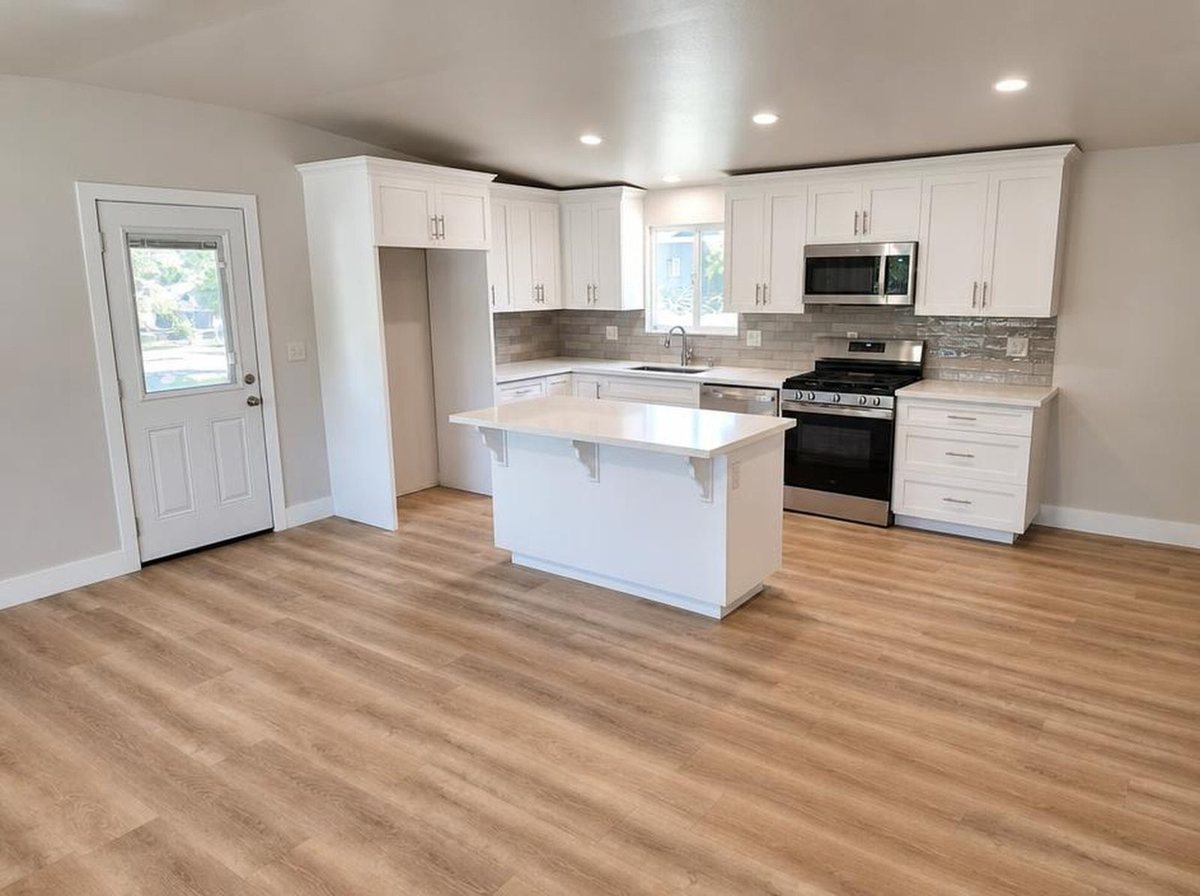
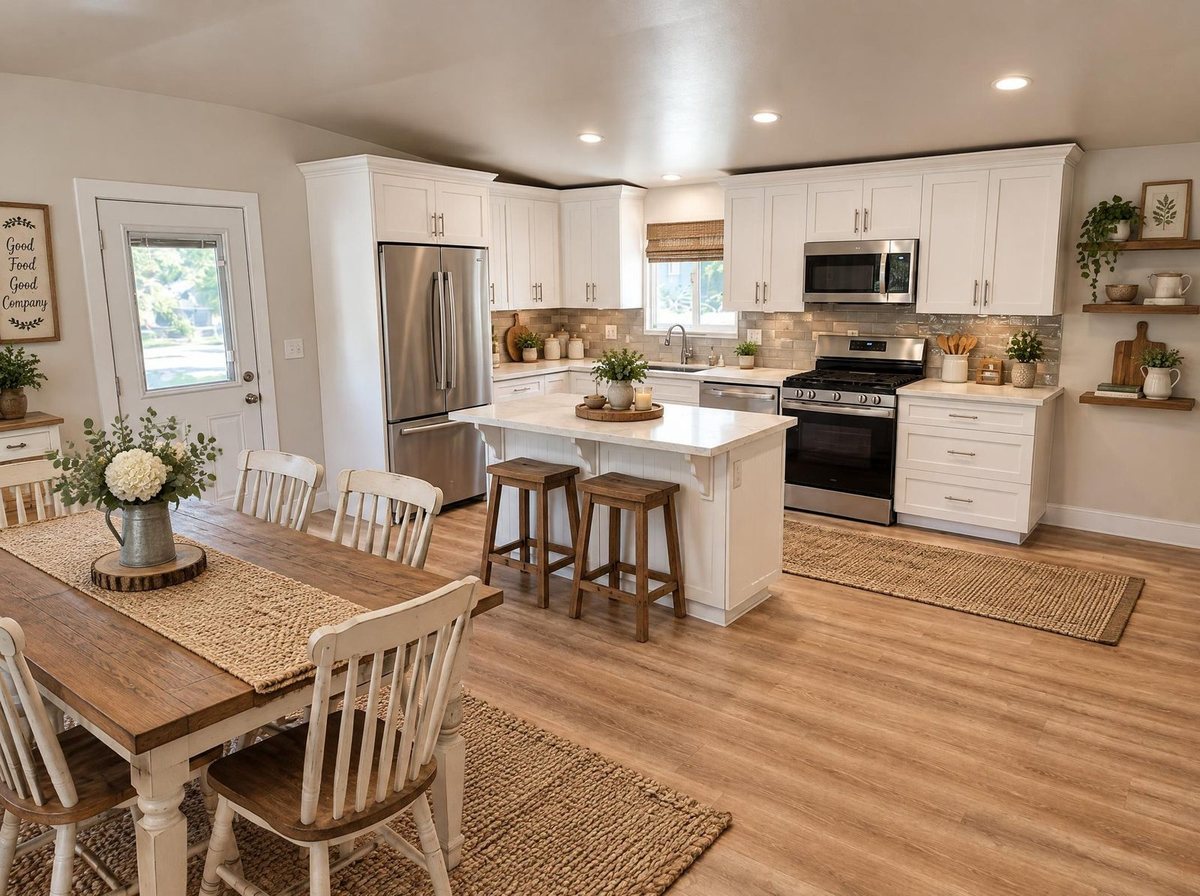 BeforeAfter
Why not a generic AI image tool?
It edits the photo, not the house.
General image tools tend to redraw the whole room: new windows, a different floor, a wider kitchen. That’s a problem on a listing. Saleswise is built to change only what you ask.
01
The room stays true
Walls, floors, windows, and the camera angle stay put, so the photo still shows the real home.
02
Ask like you’d ask a stager
“Swap the stools.” “Remove the plant on the island.” Tap a suggestion or type the change.
03
Every version saved
Each change is a new version in that room’s project, so you can always go back.
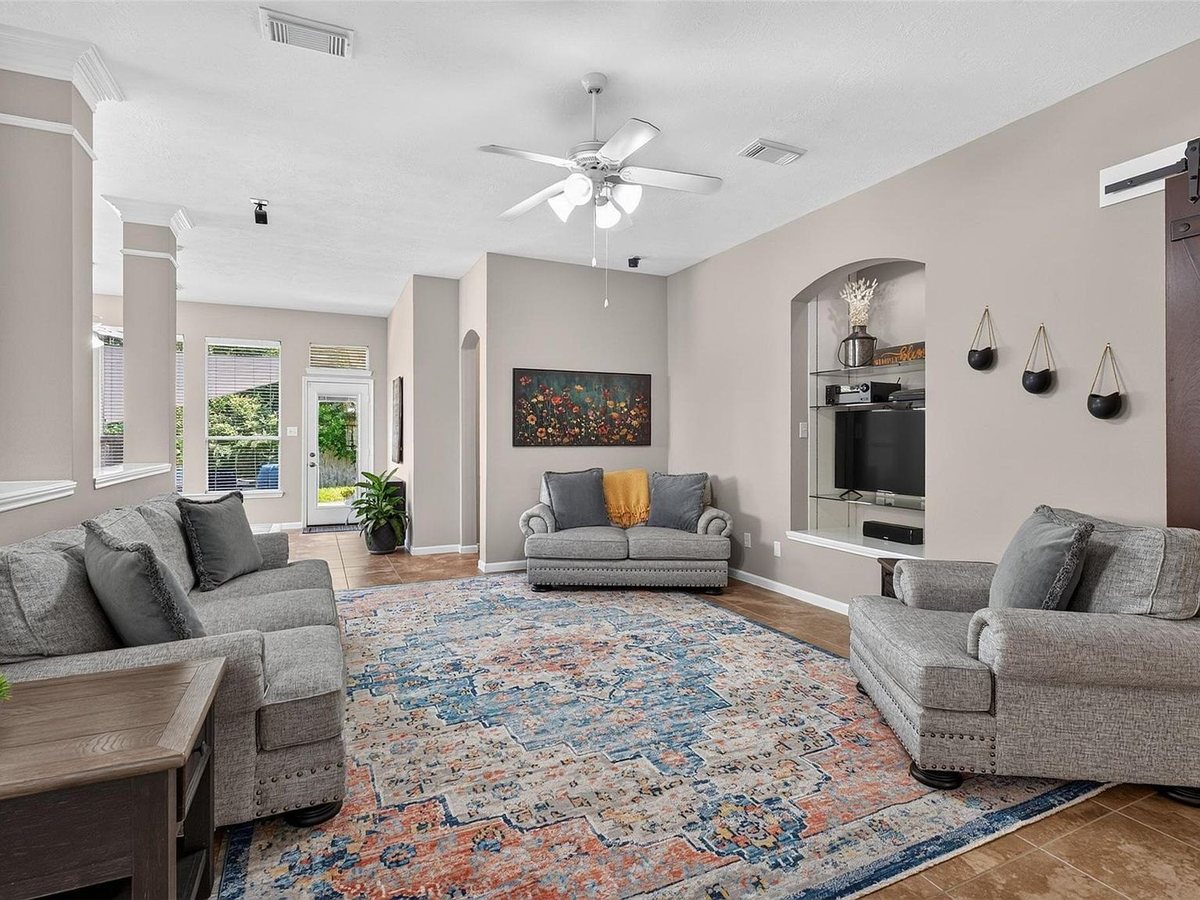
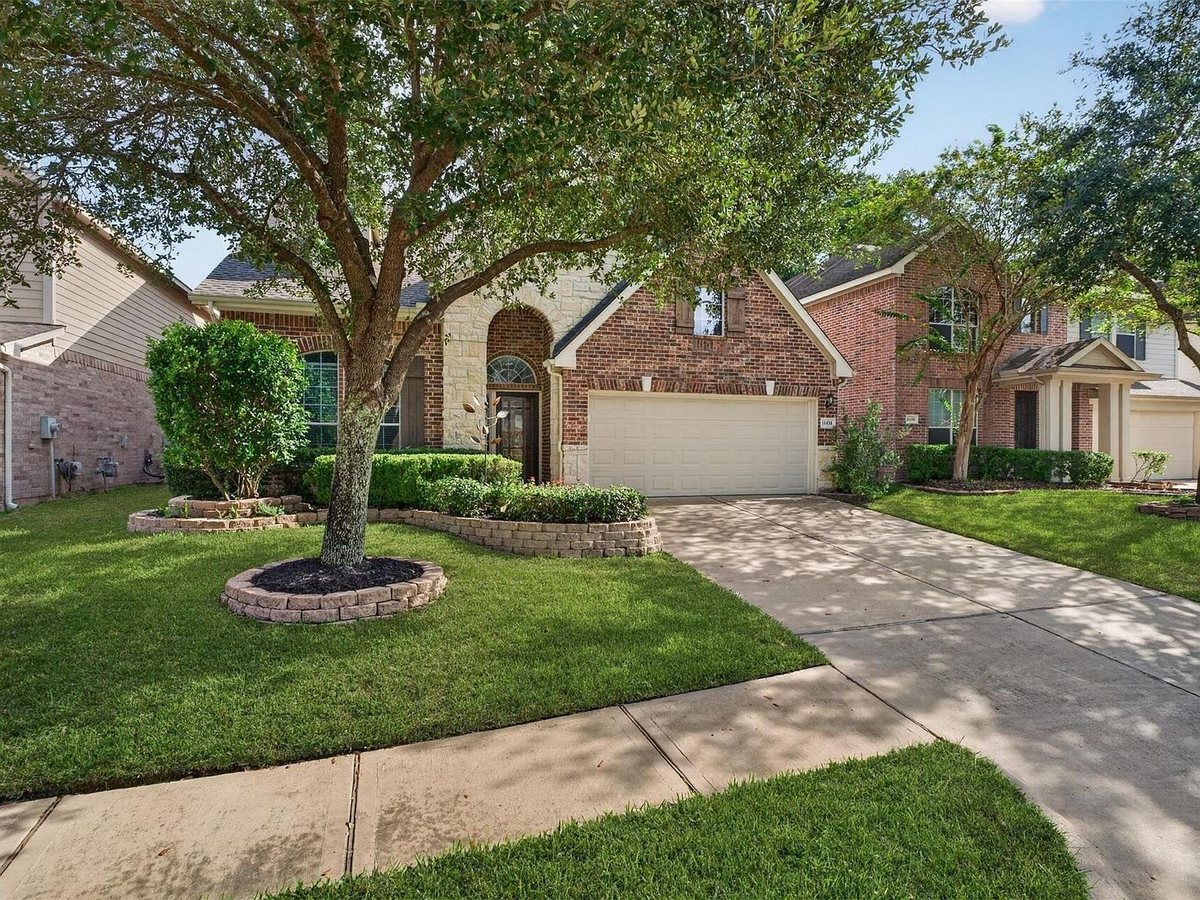
Inside and out
One tool for every listing photo.
 BeforeAfter
 BeforeAfter
Styles
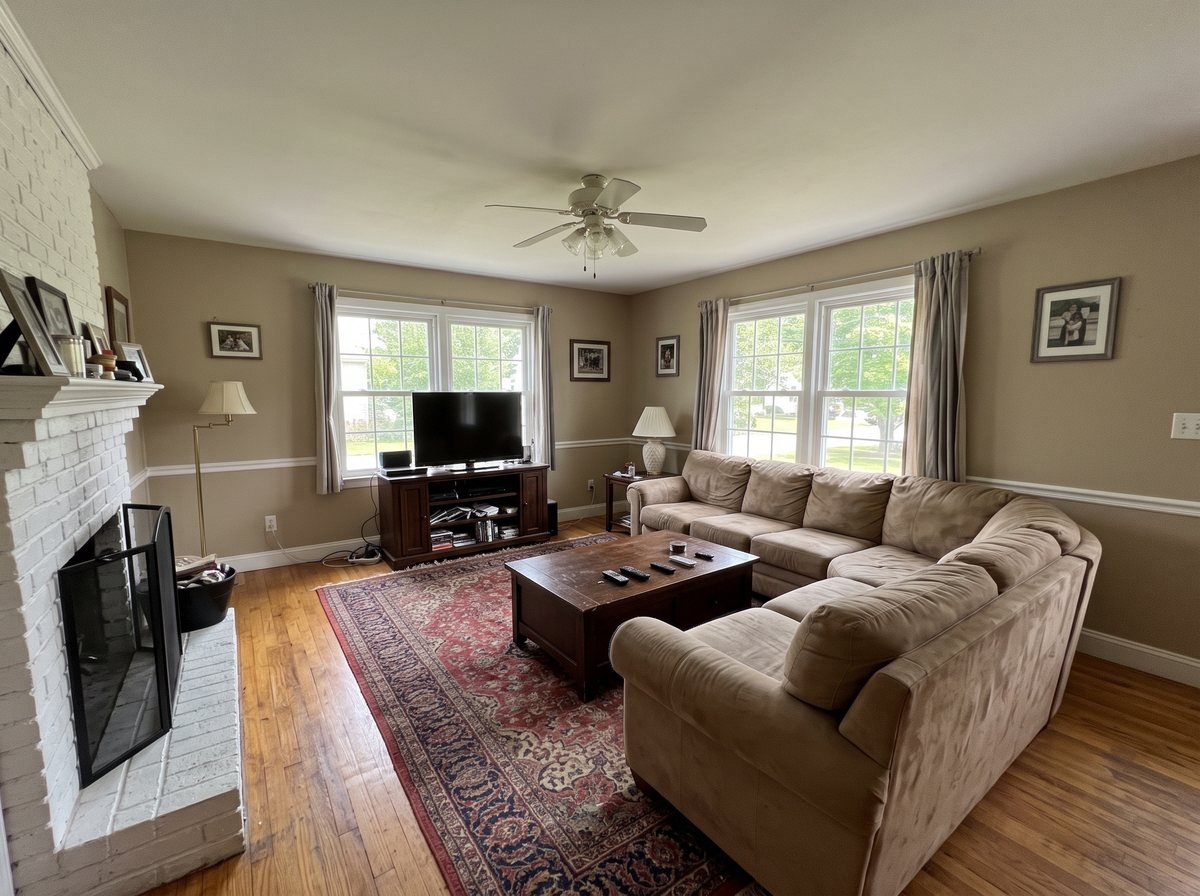
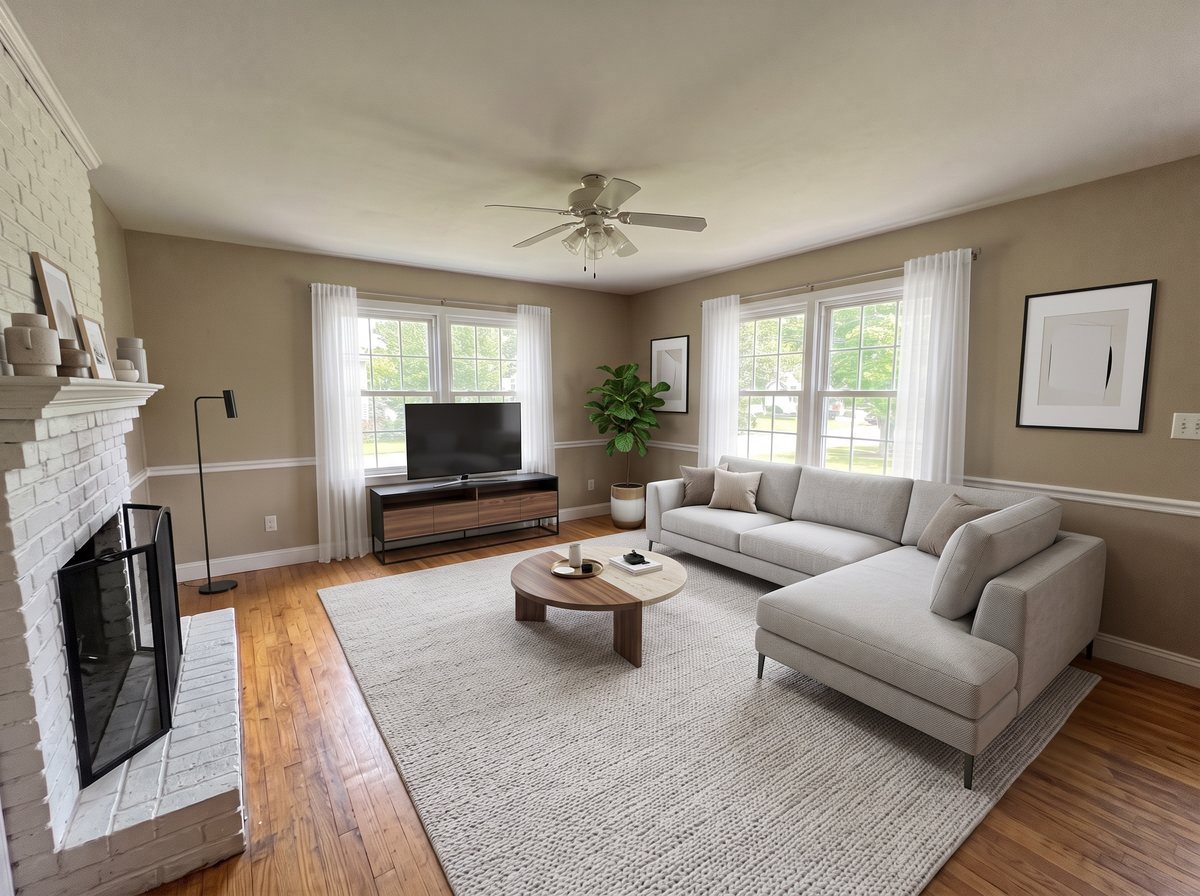
One room, any style.
Pick a style and generate. Only the furniture and decor change.
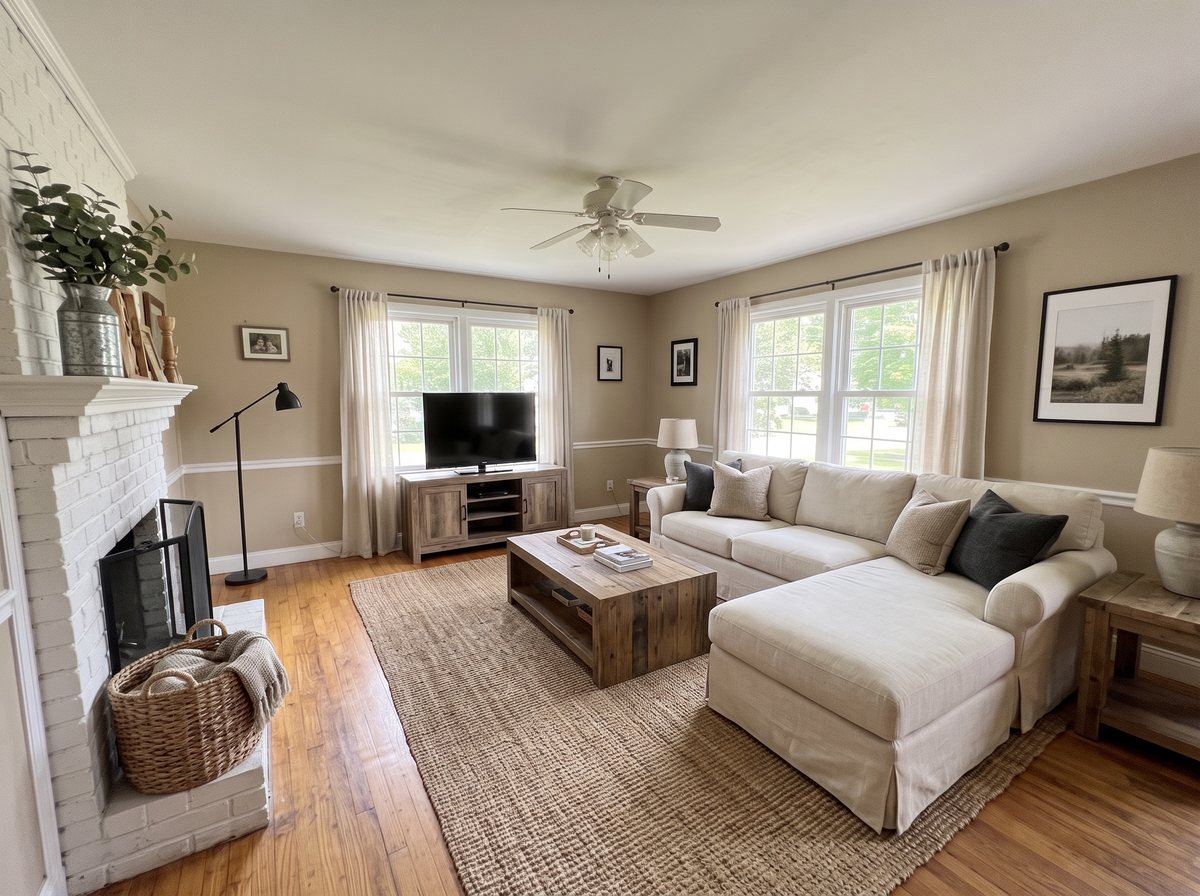
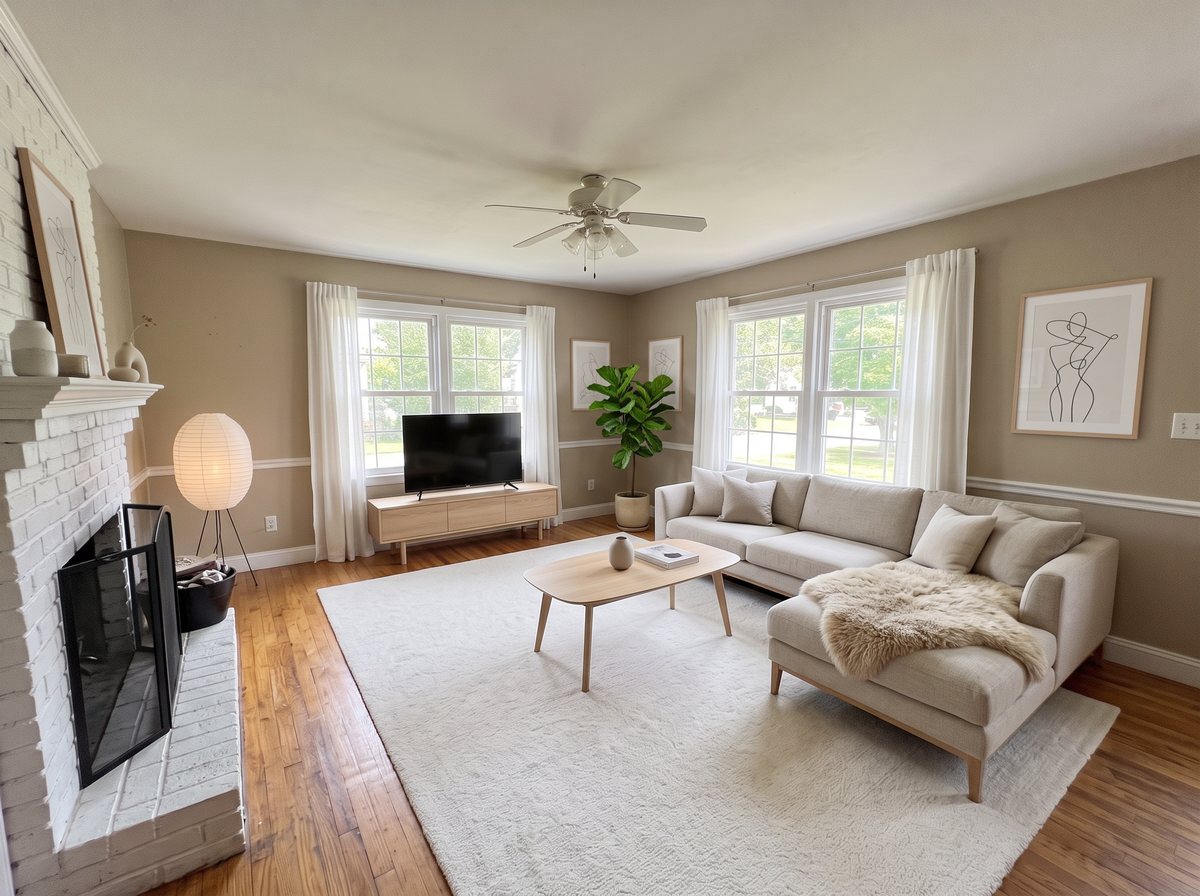
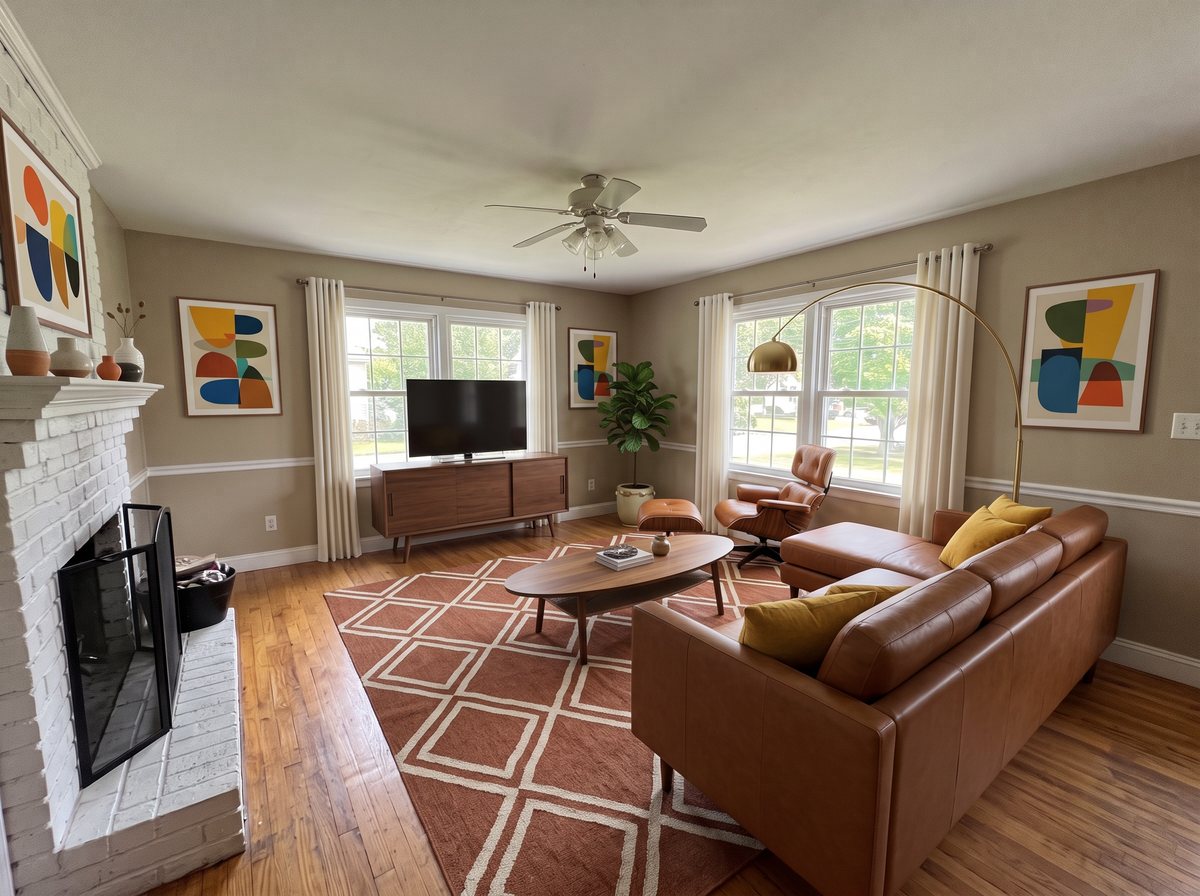
Ask for changes
Don’t like something? Just say so.
Type what you want or tap a suggestion. Every change becomes a new version in the room’s project, saved with the listing.
Version 1ViewVersion 2ShowingBetter listing photos in three steps.
Step 1
Upload the photos
Each room gets its own project, labeled and saved.
Step 2
Pick a style or ask
Stage, restyle, declutter, brighten, or fix the sky.
Step 3
Download for the MLS
Full-size photos, ready to upload or share.
Virtual staging questions
What is AI virtual staging?
Virtual staging adds furniture and decor to a photo of an empty or dated room, so buyers can picture living there. Saleswise does it with AI in minutes, instead of sending the photo to an editor and waiting.
Can I try virtual staging free?
Yes. The free plan includes 3 staged images every month. Unlimited staging is $39 a month, and you can try unlimited for $1 for 7 days.
Can I use staged photos on the MLS?
Most MLSs allow virtually staged photos if you say they’re staged. Check your MLS’s rules.
Will it change the room itself?
No. It keeps the walls, floors, windows, and camera angle the same and changes only what you ask.
Does it work on exteriors?
Yes: twilight or blue sky, a greener lawn, and removing cars, bins, and yard clutter.